



Visual iteration
Create a cafe opening graphic with warm light, a paper menu and wooden surfaces. Make the headline “OPEN TODAY” clearly readable.
Use an explicit scene and headline when iterating visual concepts.No matching models
Explore all models
Create images with Nano Banana 2 using text, images. Available resolutions: 512 / 1k / 2k / 4k. Try the current API settings, preview results and reuse your inputs.
{
  "model": "nano-banana2",
  "input": {
    "images": [],
    "resolution": "1k",
    "aspect_ratio": "auto",
    "output_format": "jpeg",
    "prompt": "Premium product editorial for an imaginary ceramic fragrance bottle named AER, warm limestone pedestal, precise soft shadow, quiet-luxury art direction, restrained cream and cobalt palette, clean studio photography, no existing brands or logos."
  }
}The example follows your Playground parameters.
curl --request POST 'https://newrouters.com/v1/tasks' \
  --header 'Content-Type: application/json' \
  --header "Authorization: Bearer $MODEL_API_KEY" \
  --data '{
  "model": "nano-banana2",
  "input": {
    "images": [],
    "resolution": "1k",
    "aspect_ratio": "auto",
    "output_format": "jpeg",
    "prompt": "Premium product editorial for an imaginary ceramic fragrance bottle named AER, warm limestone pedestal, precise soft shadow, quiet-luxury art direction, restrained cream and cobalt palette, clean studio photography, no existing brands or logos."
  }
}'
Set MODEL_API_KEY in your environment. Keep your secret key on the server. Full documentation ↗
Estimate one request, then choose a budget for your workflow.
| Usage | Quantity | Rate | Cost |
|---|---|---|---|
| 1k | 1 request | $0.03/ request | $0.03 |
Public USD estimate. Your account rate and final recorded usage determine the actual charge.
| Specification | Our price | Official reference |
|---|---|---|
| 1k | $0.03 / request | $0.067 About 55% less than official |
| 2k | $0.04 / request | $0.101 About 60% less than official |
| 4k | $0.06 / request | $0.151 About 60% less than official |
Capability-based prompts and platform-generated examples are labeled separately, with their sources.
Official capability source ↗ · 2026-10-14
Create a cafe opening graphic with warm light, a paper menu and wooden surfaces. Make the headline “OPEN TODAY” clearly readable.
Use an explicit scene and headline when iterating visual concepts.Place the original reference character in a full-body rainy street scene. Preserve facial traits, costume design and main colors; change only pose and setting.
Provide a character reference before changing pose and setting.
Premium product editorial for an imaginary ceramic fragrance bottle named AER, warm limestone pedestal, precise soft shadow, quiet-luxury art direction, restrained cream and cobalt palette, clean studio photography, no existing brands or logos.
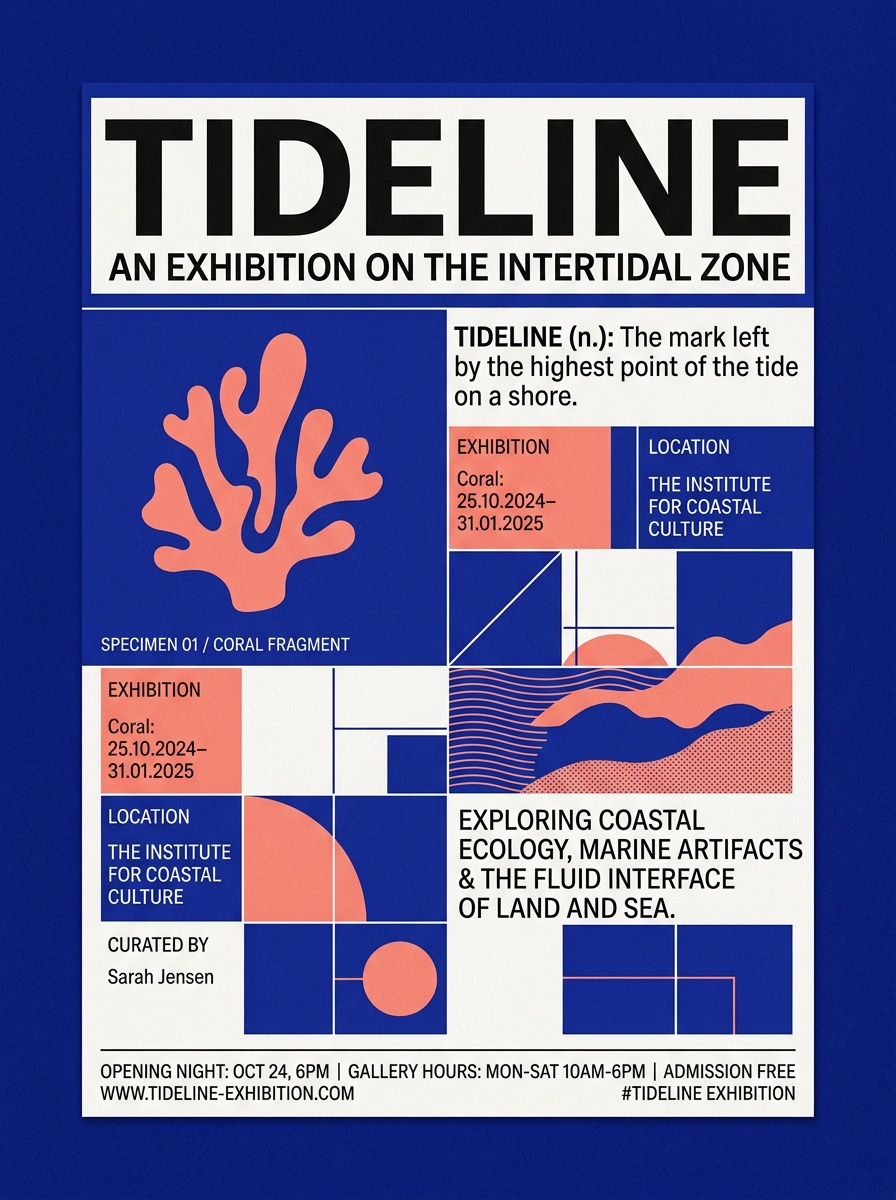
Contemporary cultural poster for a fictional exhibition titled TIDELINE, bold readable Latin typography, modular grid, deep ultramarine and warm coral, subtle paper grain, generous negative space, no real logos.

Cinematic coastal library at first light, weathered pale stone, shallow reflecting pool, a single person for scale, atmospheric haze, realistic architecture and believable materials.
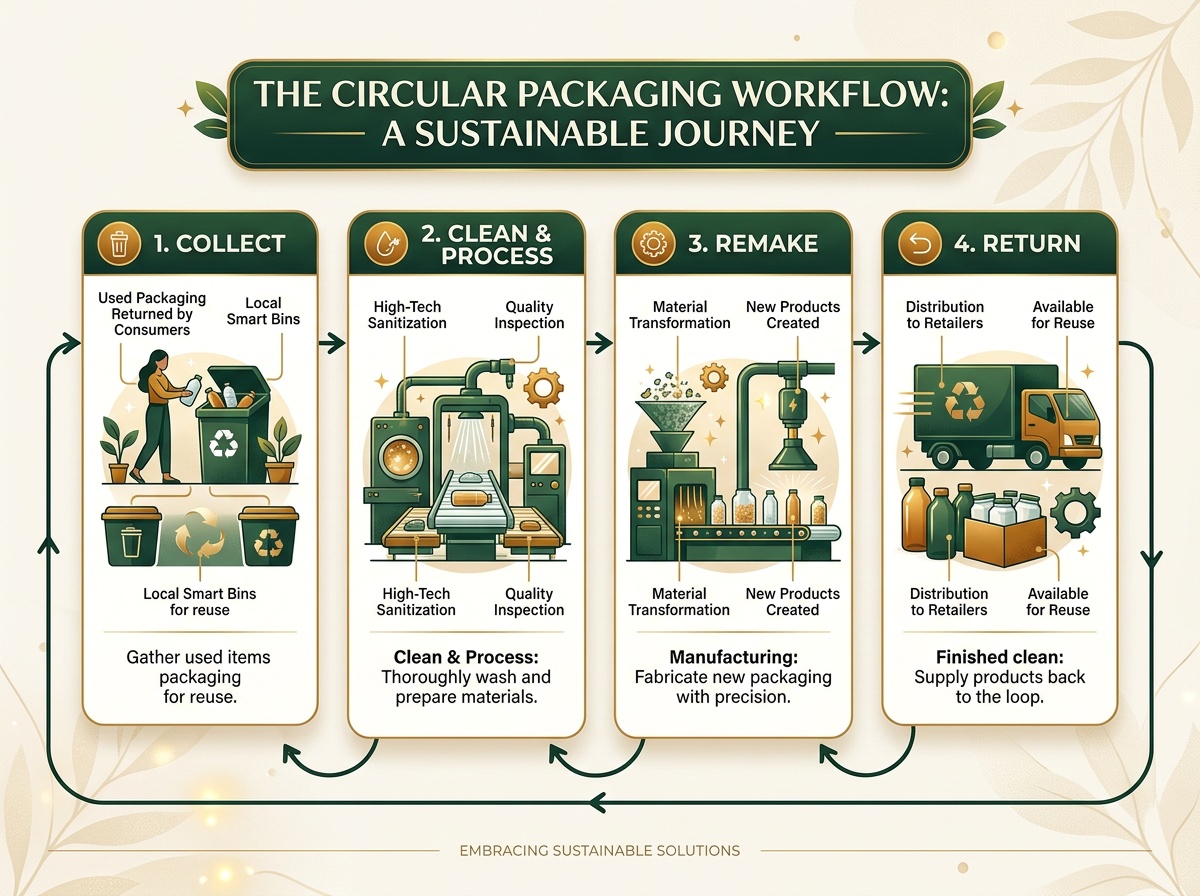
Clear four-step visual explainer for a fictional circular packaging workflow: collect, clean, remake, return; accurate simple icons, readable short English labels, off-white background, forest green and amber accents.
Create images with Nano Banana 2 using text, images. Available resolutions: 512 / 1k / 2k / 4k. Try the current API settings, preview results and reuse your inputs.
Nano Banana 2 maps to Gemini 3.1 Flash Image for efficient image generation and editing at production scale.
Official model information ↗ · 2026-10-14
| Model ID | nano-banana2 |
|---|---|
| Provider | |
| API | /v1/tasks |
| Resolution | 512 / 1k / 2k / 4k |
| Aspect ratio | auto / 1:1 / 3:2 / 2:3 / 3:4 / 4:3 / 4:5 / 5:4 / 9:16 / 16:9 / 21:9 / 1:4 / 1:8 / 4:1 / 8:1 |
| Output format | png / jpeg / webp |
| Reference images | Supported; see input validation |
For product visuals or social content, define the delivery aspect ratio, resolution and format before adding reference images. Keep the prompt and inputs, then review text, details and consistency with references.
These are acceptance checks, not guarantees of output quality or speed. A resolution label is not a fixed-pixel promise. Use the current contract and account pricing for supported inputs, combinations and cost; validate an approved small sample before batching.
Image specifications and reference tutorial · Batch budgeting and cost reconciliation
| Specification | Nano Banana 2 | GPT Image 2 | GPT Image 2.5 Flare |
|---|---|---|---|
| Provider | OpenAI | OpenAI | |
| Input → output | TextImageImage | TextImageImage | TextImageImage |
| Selection basis | Current model | Both declare text, image input · Same billing units | Both declare text, image input · Same billing units |
| Resolution | 512 / 1k / 2k / 4k | 1k / 2k / 4k | 1k / 2k / 4k |
| Reference images | Supported | 20 | 20 |
| Starting price | $0.03 / request | $0.02 / request | $0.02 / request |
Choose by the input types, output settings and billing unit your workflow needs. Try the same prompt across models to compare results for your own use case.
Submit parameters through the Media Tasks API, then retrieve the result with the task ID. Image and video models keep their own input requirements.
Sign in and prepare a key with access to this model.
Choose parameters in Playground and copy the API example.
Review status, outputs and charges in History.
POST /v1/tasks · Authorization: Bearer
curl 'https://newrouters.com/v1/tasks' \
  -H "Content-Type: application/json" \
  -H "Authorization: Bearer $MODEL_API_KEY" \
  --data '{
  "model": "nano-banana2",
  "input": {
    "images": [],
    "resolution": "1k",
    "aspect_ratio": "auto",
    "output_format": "jpeg",
    "prompt": "A quiet mountain lake at sunrise, soft morning light."
  }
}'const response = await fetch("https://newrouters.com/v1/tasks", {
method: "POST",
headers: {
"Content-Type": "application/json",
"Authorization": "Bearer $MODEL_API_KEY"
},
body: JSON.stringify({
"model": "nano-banana2",
"input": {
"images": [],
"resolution": "1k",
"aspect_ratio": "auto",
"output_format": "jpeg",
"prompt": "A quiet mountain lake at sunrise, soft morning light."
}
})
});
if (!response.ok) throw new Error(await response.text());
console.log(await response.text());import json
import requests
response = requests.post(
"https://newrouters.com/v1/tasks",
headers=json.loads("{\"Content-Type\":\"application/json\",\"Authorization\":\"Bearer $MODEL_API_KEY\"}"),
json=json.loads("{\"model\":\"nano-banana2\",\"input\":{\"images\":[],\"resolution\":\"1k\",\"aspect_ratio\":\"auto\",\"output_format\":\"jpeg\",\"prompt\":\"A quiet mountain lake at sunrise, soft morning light.\"}}"),
timeout=300,
)
response.raise_for_status()
print(response.text)Poll the returned task ID for processing status and output assets.
curl -H "Authorization: Bearer $MODEL_API_KEY" "https://newrouters.com/v1/tasks/$TASK_ID"Documentation: Authentication · Task status and results · Error handling
| Parameter | Type | Values & constraints |
|---|---|---|
count | integer | 1 |
images | array | Default: [] |
prompt * | string | |
resolution | JSON | "512" · "1k" · "2k" · "4k"Default: "1k" |
aspect_ratio | JSON | "auto" · "1:1" · "3:2" · "2:3" · "3:4" · "4:3" · "4:5" · "5:4" · "9:16" · "16:9" · "21:9" · "1:4" · "1:8" · "4:1" · "8:1"Default: "auto" |
ground_search | boolean | |
output_format | JSON | "png" · "jpeg" · "webp"Default: "jpeg" |
{
  "type": "object",
  "required": [
    "prompt"
  ],
  "properties": {
    "count": {
      "enum": [
        1
      ],
      "type": "integer"
    },
    "images": {
      "type": "array",
      "items": {
        "type": "string",
        "minLength": 1
      },
      "default": []
    },
    "prompt": {
      "type": "string",
      "maxLength": 100000,
      "minLength": 1
    },
    "resolution": {
      "enum": [
        "512",
        "1k",
        "2k",
        "4k"
      ],
      "default": "1k"
    },
    "aspect_ratio": {
      "enum": [
        "auto",
        "1:1",
        "3:2",
        "2:3",
        "3:4",
        "4:3",
        "4:5",
        "5:4",
        "9:16",
        "16:9",
        "21:9",
        "1:4",
        "1:8",
        "4:1",
        "8:1"
      ],
      "default": "auto"
    },
    "ground_search": {
      "type": "boolean"
    },
    "output_format": {
      "enum": [
        "png",
        "jpeg",
        "webp"
      ],
      "default": "jpeg"
    }
  },
  "additionalProperties": false
}Answers about pricing, inputs, integration and results.
The current public price starts at $0.03 / request. The pricing section lists each specification. Playground checks your account price before submitting; the completed request records the final charge.
Sign in and open Quick Start above the workspace. Select or create a key with access to this model, then copy the request example.
Supported input fields: count, images, prompt, resolution, aspect_ratio, ground_search, output_format. The parameter table includes allowed values and defaults.
Yes. Use the reference mode to upload images or supply their URLs. Reference images guide a new generation; they do not imply mask editing support.
Save the returned task ID and query the task until it succeeds or fails. The History tab lets you reopen your tasks and reuse their parameters.
The model keeps its page and identity, but new generation requests are blocked. Existing task records remain accessible. An upstream outage is reported separately from an administrator closing the model.
Create from a prompt and reference images.
Choose a model ↗Explore text, references and frame inputs.
Choose a model ↗Integrate conversations, instructions and streaming.
Choose a model ↗Browse endpoints, request examples and integration steps.
Read documentation ↗Hello, API.Check resolution, aspect ratio, format and reference constraints.
View docs section ↗/v1/tasksEstimate using the actual specification and billing unit; reconcile task charges.
View docs section ↗{ your next idea }Understand asynchronous states, result URLs and safe recovery.
View docs section ↗